Briefs leave decisions unstated
A ticket can describe the outcome without defining hierarchy, spacing, interaction states, or responsive behavior.


Inspect real foundations, components, states, responsive rules, flows, and source before the agent writes your UI. Keep control of the implementation and start closer to something coherent.
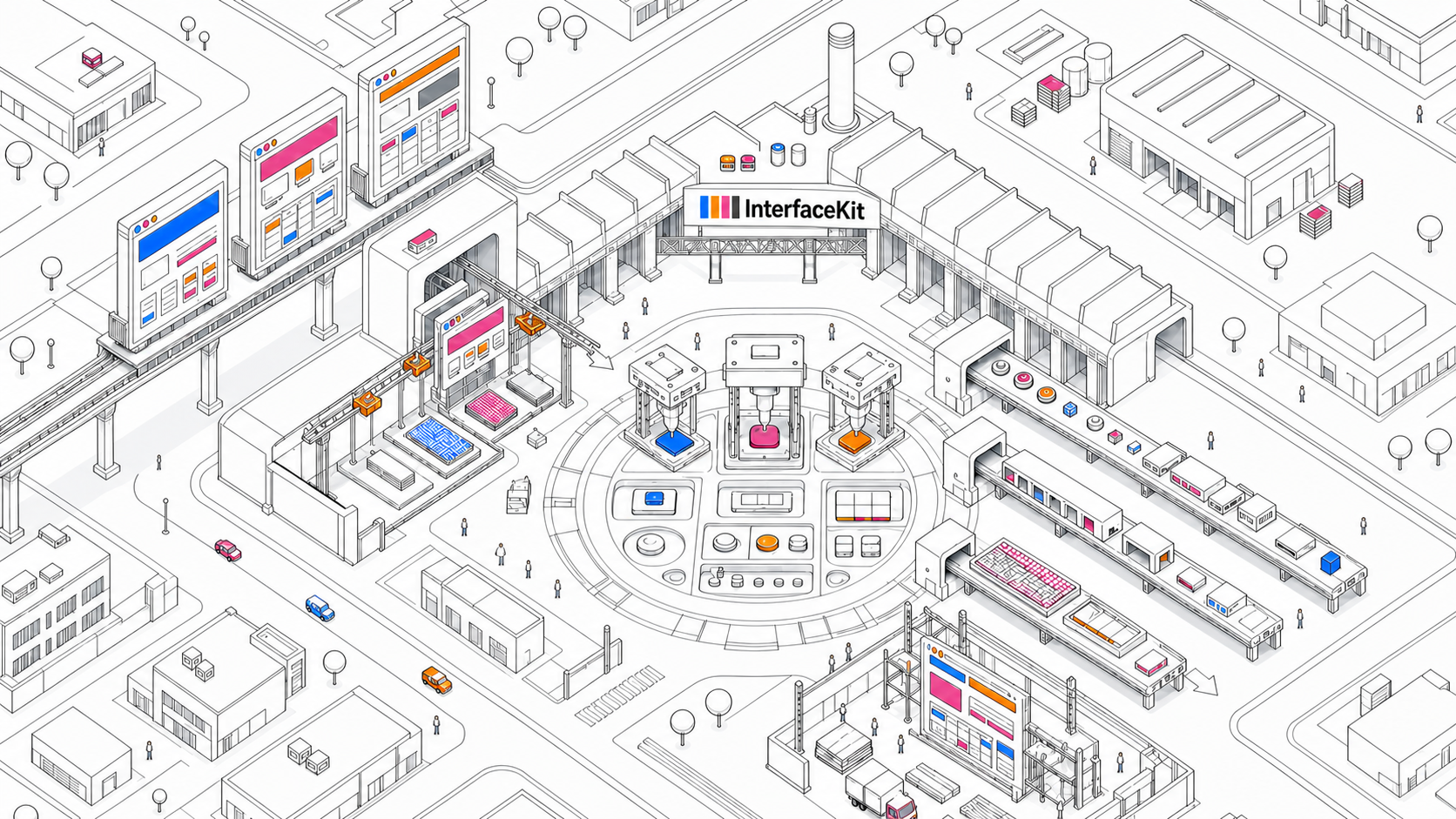
A brief explains what to build. A screenshot shows one moment. A component library supplies primitives. None of them explains how the full interface system should behave.
Without those relationships, the agent invents them. The result may compile, but the missing decisions return later as inconsistent states, brittle layouts, and review churn.
A ticket can describe the outcome without defining hierarchy, spacing, interaction states, or responsive behavior.
One captured state cannot explain what changes across breakpoints, loading states, errors, navigation, and complete flows.
Developers end up correcting structure and edge cases after the agent has already spread weak assumptions across the UI.
foundations/
components/
blocks/
DESIGN.md
Button / primary
state: default · hover · loading
layout: intrinsic width · 42px height
responsive: label preserved
Source and behavior stay connected.
Browse the same interface source yourself, then give the coding agent a portable reference it can follow throughout implementation and review.
export function BillingPanel() {
return <AccountLayout>
<UsageSummary />
<PaymentMethods />
</AccountLayout>
}
InterfaceKit keeps the decisions behind the screen connected, so both you and the coding agent can inspect the same source before implementation drifts.
Read and copy authored code instead of relying on an opaque generation step.
Keep variants, loading, empty, error, and active behavior attached to each building block.
See how hierarchy and layout relationships change across desktop, tablet, and mobile.
Understand how components compose into larger surfaces and real application flows.
Give color, typography, spacing, borders, and layout decisions a shared source.
Reference navigation, actions, overlays, and transitions together with the rendered UI.
Let the coding agent retrieve precise Markdown for the resource it is implementing.
Use the reference inside the editor and repository without introducing another integration.
Return to the exact system decision when implementation details need another pass.
Keep the useful system while changing what should be specific to your product and codebase.
Give your agent structured interface references from products that set the standard, then turn them into something unmistakably yours.